Frequently Asked Question
How to Forget a Network
Last Updated 7 years ago
http://education.sdsu.edu/faculty-staff/help-desk/job-aids/forget-network
iOS
Android
Windows 10
- Open the wireless menu by selecting the logo in the bottom right hand corner.
- Select Network.

- Click on "Network and Internet Settings".

- Click on "Wifi".

- Click on "Manage known networks".

- Find and select eduroam and click on "Forget".

Mac
- Select Wifi symbol on top right hand corner.
- Click on "Open Network Preferences".

- Select Wi-Fi
- Click on "Advanced"

- Select eduroam and click on the ( - ) symbol.

iOS
- Go to settings.
- Go to Wi-Fi

- Touch the "i" button next to eduroam.

- Touch "forget this network".

Android
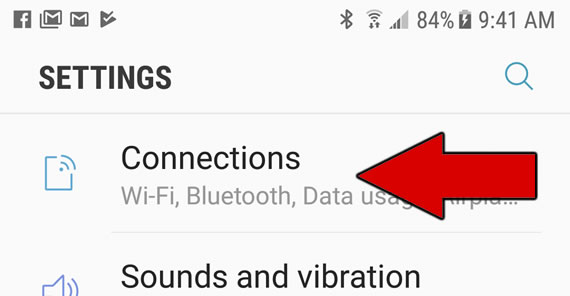
- Select Connections (or Network & Internet) in the settings menu.
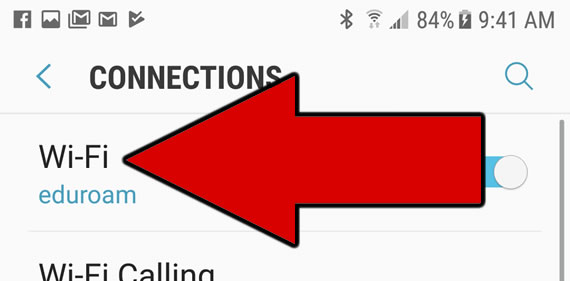
- Select Wi-Fi.
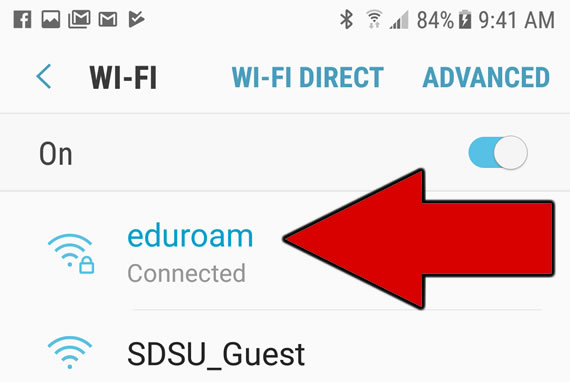
- Select eduroam.
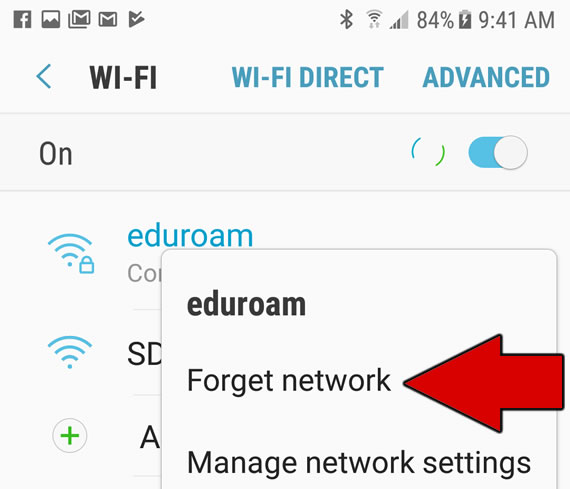
- Choose the "Forget network" option.